Stop watching charts. Start running rules.
ApexEA is a free MetaTrader 5 Expert Advisor that trades one fixed strategy without fear or fatigue. Free with an Ultima Markets account opened through us.
No payment. Our admin typically replies on Telegram within 1–20 minutes.
See it running before you trust it.
Real screenshots from our live account, and what clients say after using ApexEA.
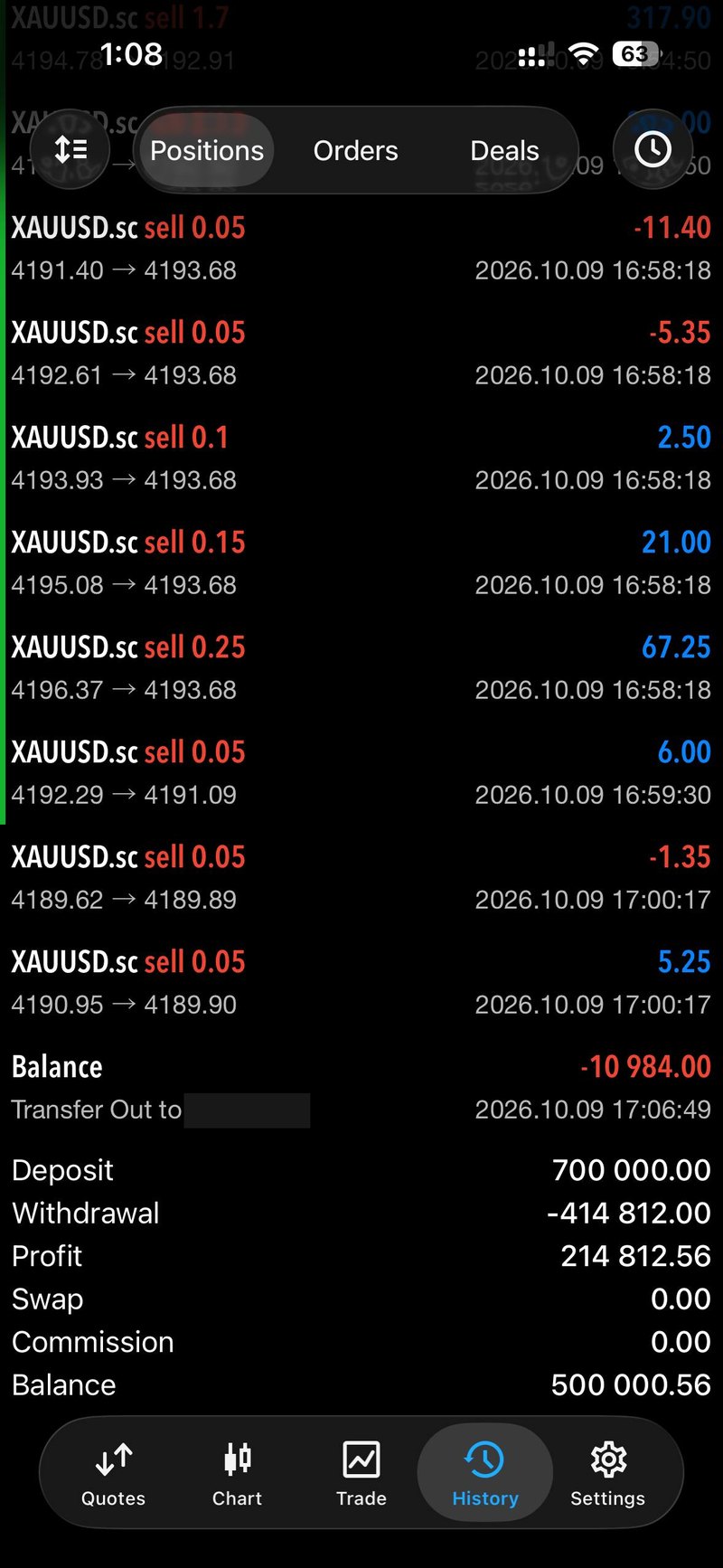
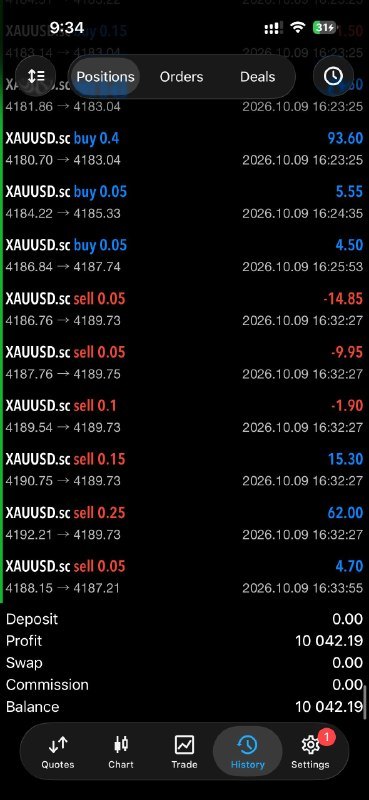
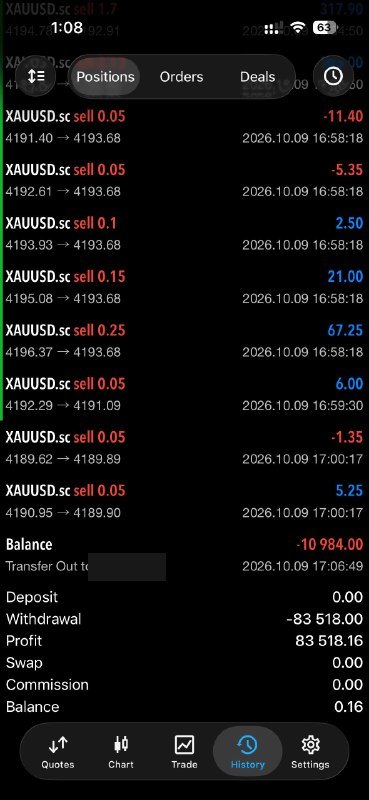
Our live account
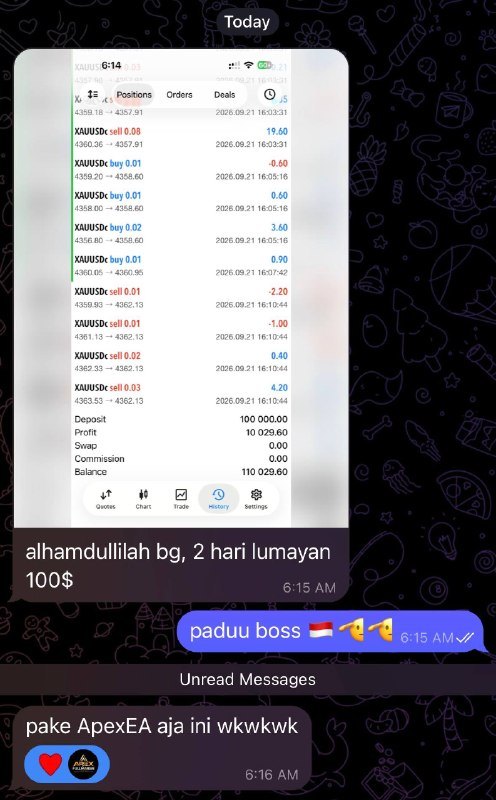
What clients send us
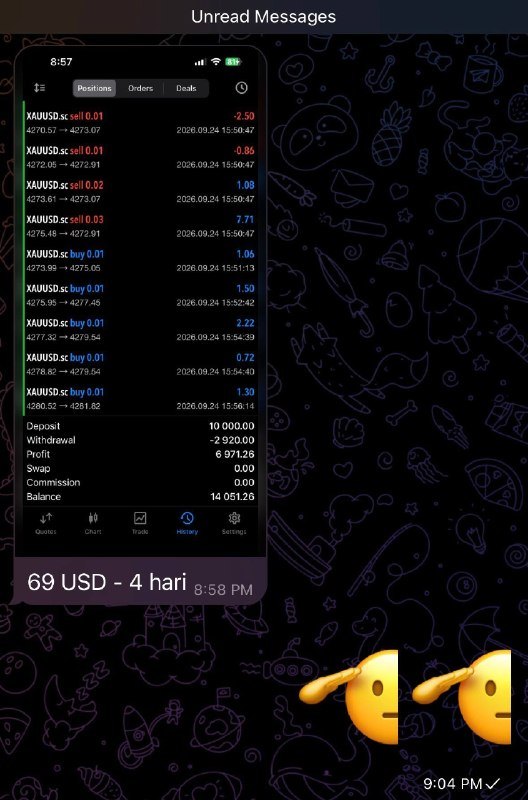
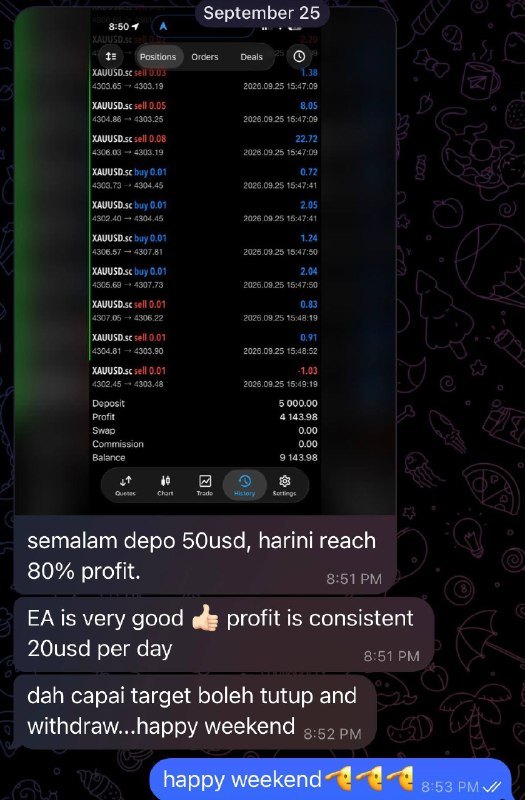
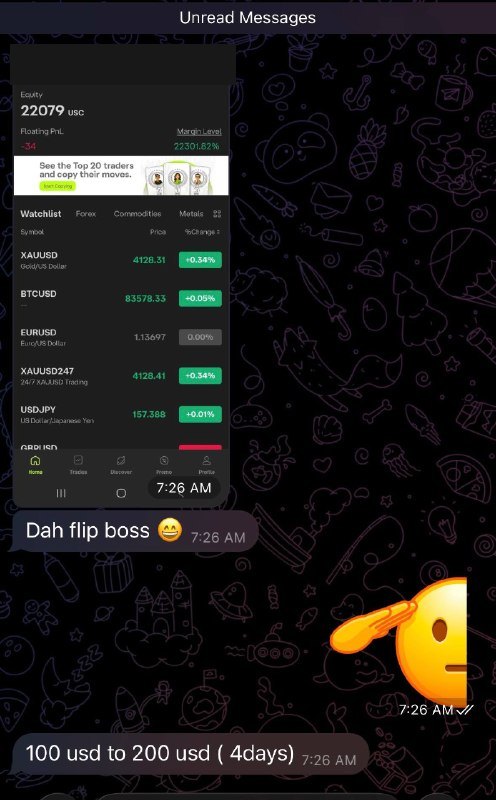
Want to check it yourself? Request read-only investor access to the live account.
Client messages are selected examples, not typical results, and some are translated from Malay or Indonesian. Many of these are cent (USC) accounts, so a figure like 10,000.00 on screen can equal about US$100. Results vary and losses are possible. Past performance does not guarantee future results.
What ApexEA actually does.
It is a script that runs inside your own MetaTrader 5 terminal and manages trades on your account. It is not a signals feed or copy trading.
- Strategy
- Grid recovery. It adds positions when price moves against a trade, then closes the basket together when price recovers.
- Sessions
- Runs in the background through the trading sessions you enable, without you at the keyboard.
- Platform
- MetaTrader 5 only, on an Ultima Markets account opened through our IB network.
- Setup help
- Message the same Telegram account you used to claim it.
- The trade-off
- Grid strategies win often, but can lose heavily when the market trends hard against them. Ask us for the recommended capital before you start.
Four steps to your free license.
Most clients are running within a day.
- Step 1
Message us on Telegram
Tap any button on this page. Your message is pre-filled, so just send it. Our admin typically replies within 1–20 minutes.
- Step 2
Open a live Ultima Markets account
We send you our registration link in the chat. ApexEA only works on accounts opened through our IB network.
- Step 3
Send us your MT5 ID
We register your license to that MT5 ID. Each client gets one license for one MT5 ID.
- Step 4
Install and run
You receive the EA file and a short guide to attach it to your chart. Default settings are backtested for the recommended capital.
Questions, answered.
Anything else, ask us on Telegram.
What is ApexEA?
ApexEA is an Expert Advisor: an automated trading script that runs inside MetaTrader 5 and places trades by a fixed set of rules, so you don't have to click into every trade yourself.
Why is it free?
We are an Introducing Broker (IB) for Ultima Markets. The broker pays us when clients trade through our link, so we don't charge for the EA. There is no payment involved in claiming it.
Do I need a specific broker?
Yes. ApexEA works only on Ultima Markets accounts opened through our IB network. We send you the registration link on Telegram.
Is automated trading risky?
Yes. Trading forex and CFDs carries a real risk of loss, and no EA can guarantee a profit. ApexEA is a tool for running a strategy automatically, not a promise of returns. Only trade with money you can afford to lose.
What happens after I install it?
You can run the default settings, which are backtested for the recommended capital. If you want to use a larger capital, tell us first. If anything is unclear, message the same Telegram account you used to claim it.
Can I run it on more than one account?
No. Each client is entitled to one license, which covers one MT5 ID. If you want to run it on several accounts, ask us first.
What if my computer turns off?
The EA only trades while your MetaTrader 5 terminal is running with internet. Many traders run it on a VPS so it keeps going. Ask us if you need guidance.
Your free copy is one message away.
Free with an Ultima Markets account opened through us. We typically reply within 1–20 minutes.